
Optimizing a web page is essential for attracting more visitors and improving its ranking on search engines. A well-optimized page not only enhances the user experience but also increases the visibility of your site. Here are some practical tips for effectively optimizing your web page.
1. Choose the Right Keywords
The first step in optimizing a web page is selecting relevant keywords. These keywords should be those your potential users are likely to type into search engines. Use tools like Google Keyword Planner, Ahrefs, or SEMrush to identify these keywords.
Pro Tip: Avoid keyword stuffing. Use them naturally in your titles, subheadings, and throughout your text.
2. Create High-Quality Content
Content is king. Make sure your content is relevant, informative, and engaging. Good content answers your visitors’ questions and encourages them to stay on your site longer.
Pro Tip: Write for your readers, not for search engines. High-quality content will naturally be optimized for SEO.
3. Optimize Your Tags and Metadata
Title tags, meta descriptions, and header tags are crucial for SEO. They help search engines understand what your page is about.
- Title tag: Include your main keyword.
- Meta description: Summarize your page content using relevant keywords.
- Header tags (H1, H2, H3): Structure your content to make it more readable.
4. Use Optimized Images
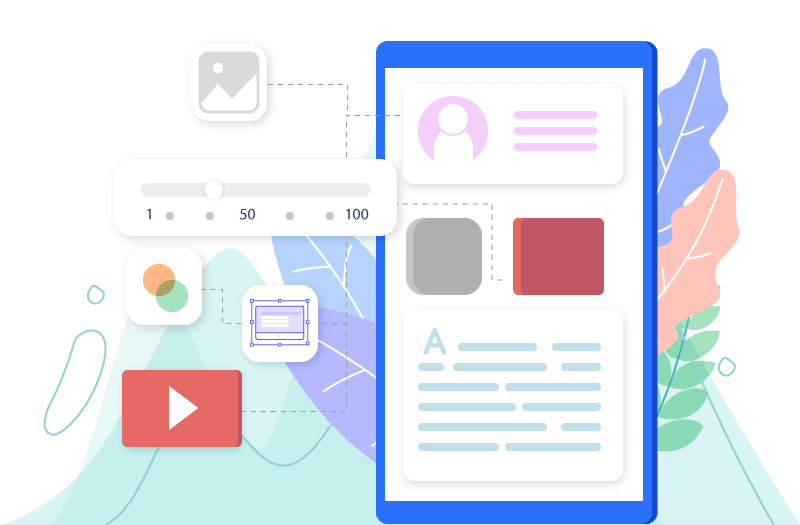
Images can enhance user engagement, but they need to be optimized to avoid slowing down your site. Use appropriate file formats (JPEG for photos, PNG for graphics) and compress your images before uploading.
Pro Tip: Use descriptive ALT tags for your images and include relevant keywords.
5. Improve Page Load Speed
Page load speed is a crucial factor for SEO. A slow site can drive visitors away and harm your ranking.
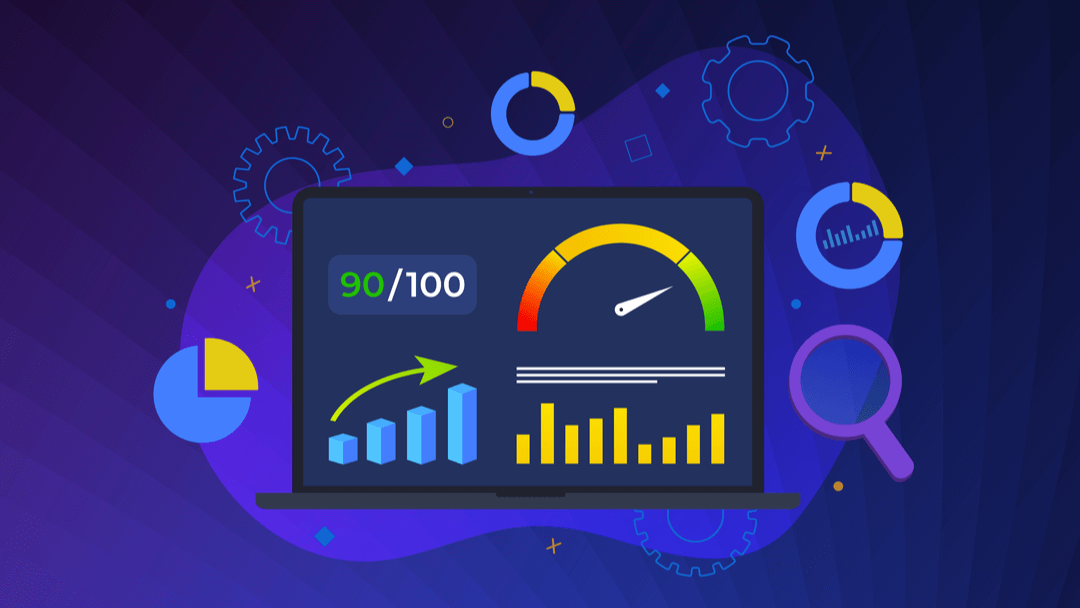
Pro Tip: Use tools like Google PageSpeed Insights to identify and fix speed issues on your site.
6. Ensure Your Site Is Mobile-Friendly
With the rise in mobile device usage, it’s essential that your site is mobile-friendly. A responsive design improves user experience and search engine ranking.
Pro Tip: Test your site on various devices and resolutions to ensure it displays correctly.


7. Create Internal and External Links
Internal links (to other pages on your site) and external links (to trusted websites) are important for SEO. They help search engines understand your site’s structure and index your content.
Pro Tip: Use internal links to guide visitors to other relevant pages on your site and external links to support your information.
8. Utilize Social Media
Share your content on social media to increase its visibility. Social signals can indirectly influence your SEO ranking by driving traffic to your site.
Pro Tip: Add social sharing buttons to your pages to encourage visitors to share your content.
Our services also include personalized assistance for all these optimization steps. Whether you need help with keyword research, content creation, tag optimization, or improving page speed, our team is here to help.
Conclusion
Optimizing a web page takes time and effort, but the results are worth it. By following these tips, you can improve your site’s visibility, attract more visitors, and provide a better user experience. Remember, SEO is an ongoing process, and staying updated with best practices is essential for maintaining and improving your ranking.


0 Comments